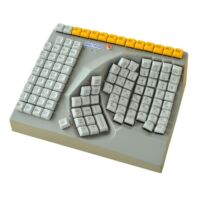
Description of the Maltron Right-Handed One-Handed Keyboard – AZERTY (FR)
Are you unable to use your left hand or arm, or can you only use it to a limited extent? With the Maltron Right-Handed One-Handed Keyboard – AZERTY (FR), you can operate letters, numbers and computer functions using your right hand. The French version is suitable for French-language texts and everyday computer use.
- Designed for right-handed operation
- French version with a special Maltron layout
- Shift, Control and Alt do not need to be pressed simultaneously
Why choose the Maltron Right-Handed One-Handed Keyboard?
A standard keyboard is designed for use with two hands. When typing only with your right hand, you often have to reach far across to keys on the left-hand side.
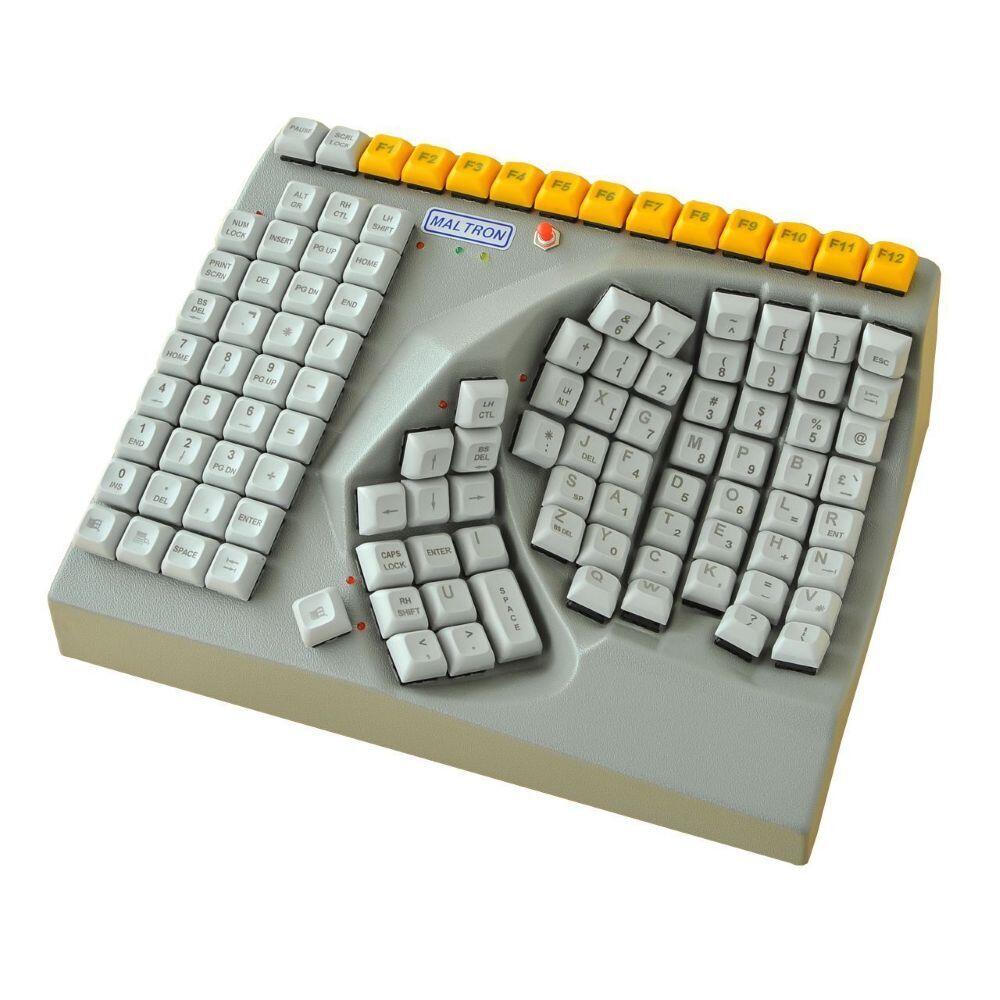
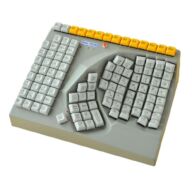
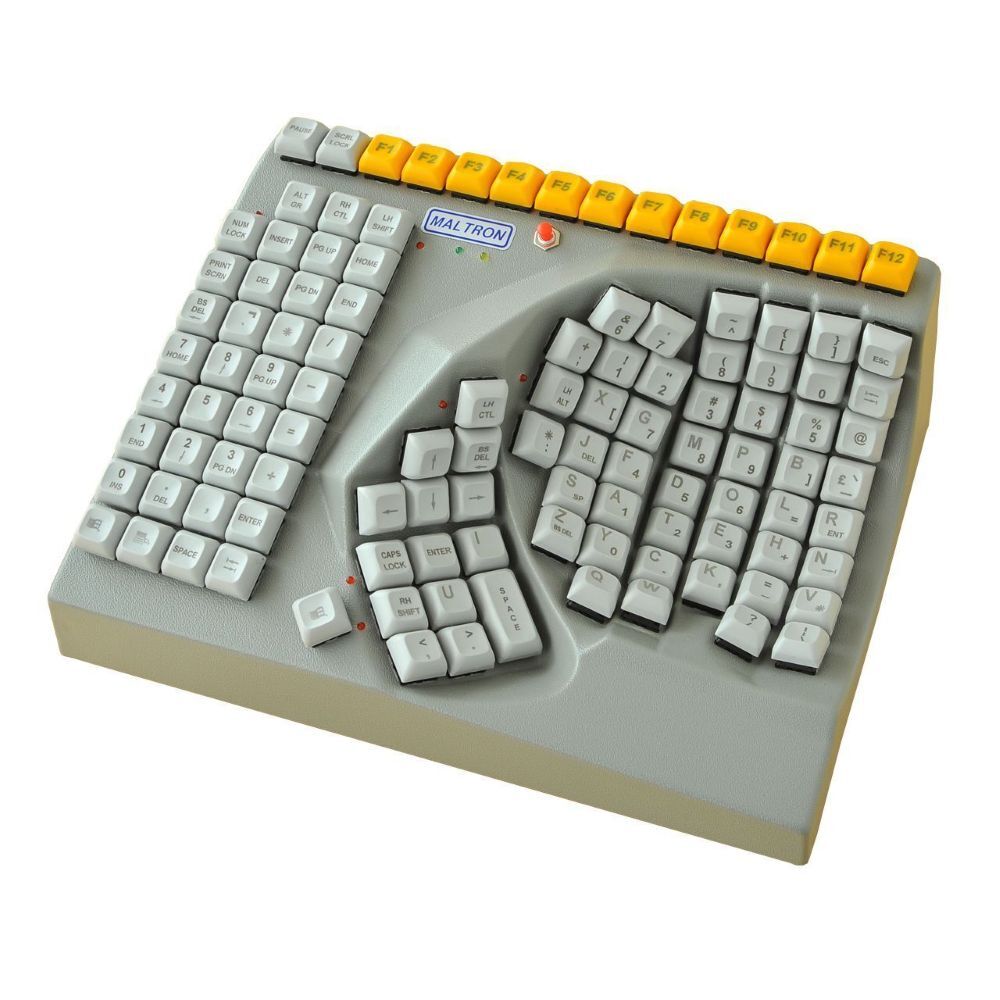
The Maltron Right-Handed One-Handed Keyboard places letters, numbers and functions within reach of one hand. The curved, concave key field follows the natural movement of the right hand, so you do not have to reach as far.
Who is the Maltron Right-Handed One-Handed Keyboard suitable for?
The keyboard is intended for people who are temporarily or permanently unable to make full use of their left hand or arm. It can be used at home, at school, during rehabilitation or at an adapted workplace.
The keyboard may be suitable for people with:
- limited strength or mobility;
- recovery after surgery or injury;
- an amputation or congenital disability;
- paralysis or a neurological condition;
- a workplace adaptation for one-handed typing.
An occupational therapist, workplace specialist or ergonomic adviser can help assess whether the keyboard is suitable for your situation.
How does the French layout of the Maltron Right-Handed One-Handed Keyboard work?
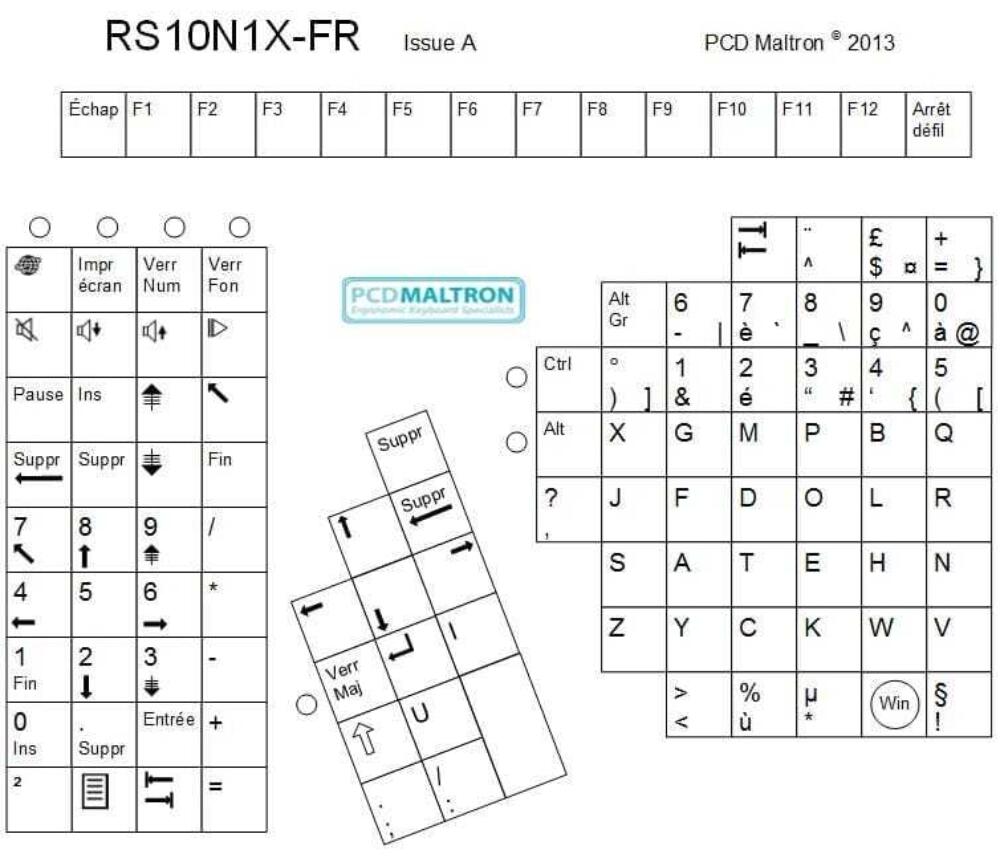
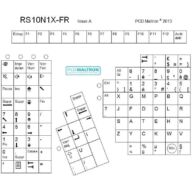
This version includes French letters, accents and punctuation marks, including é, è, à, ç and ù.
The key placement differs from that of a traditional AZERTY keyboard. Maltron has arranged the keys so that they can all be reached using only the right hand. It is therefore a special Maltron layout with French characters.
An adjustment period is normal. With regular practice, you will gradually become more familiar with the key positions.
How does the Maltron One-Handed Keyboard make key combinations easier?
Shift, Control and Alt have a push-on/push-off function. You first press the function key and then the required letter or command. This means you do not need to hold down two keys at the same time.
This makes it easier to use capital letters, select text and perform keyboard shortcuts with one hand.
What are the features of the Maltron One-Handed Keyboard?
- Operation using only the right hand
- French version with AZERTY characters and accents
- Special Maltron layout for one-handed typing
- Curved and concave key field
- Letters, numbers, navigation keys and function keys
- Windows keys
- Push-on/push-off function for Shift, Control and Alt
- Wired USB connection
- Designed for touch typing with one hand
What are the benefits of this keyboard?
With this keyboard, you can operate a computer independently using your right hand. You do not have to reach across a wide keyboard as often and can more easily carry out everyday tasks such as emailing, studying and word processing.
Employers and professionals can also use the keyboard as part of an individual workplace adaptation. Please note that the special layout requires practice.
How should you set up your workstation around the Maltron Right-Handed One-Handed Keyboard?
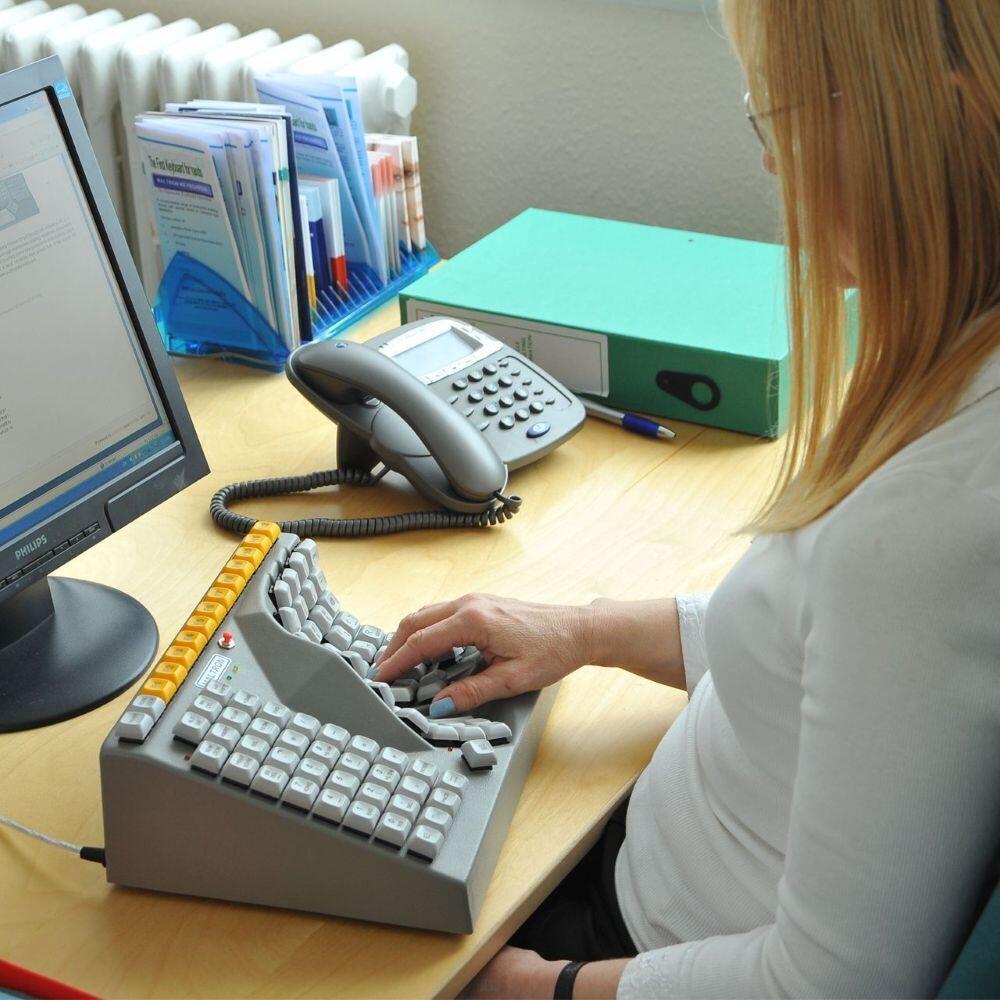
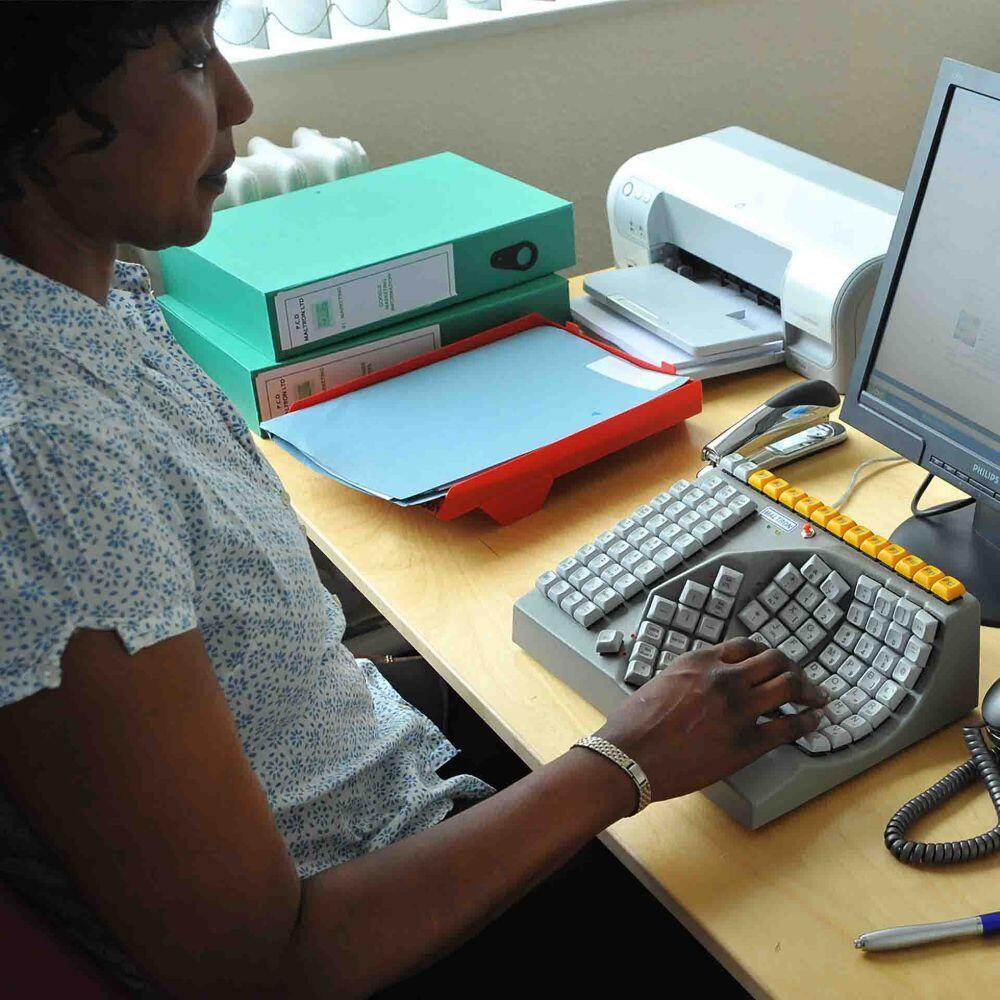
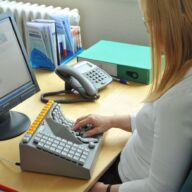
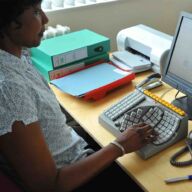
Place the keyboard directly in front of your right hand and keep your elbow relaxed beside your body. Position the mouse as close to the keyboard as possible so that you do not have to reach unnecessarily.
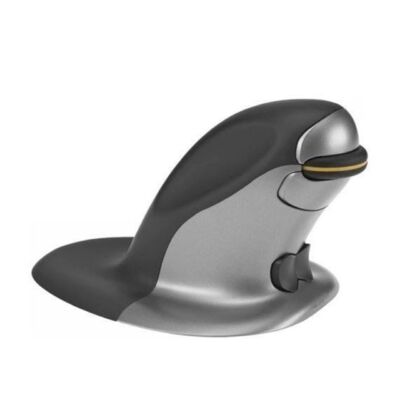
A suitable ergonomic mouse can make operation easier. With an adjustable monitor arm, you can also position the screen at a comfortable height and distance.
Why order the Maltron Right-Handed One-Handed Keyboard?
With the Maltron Right-Handed One-Handed Keyboard – AZERTY (FR), you are choosing a specialised solution for French-language computer use with the right hand. The concave housing, one-handed layout and sequentially operated function keys support independent typing.
The keyboard is suitable for home use and professional workplace adaptations. Order it from Ergo2Work or contact us for personal advice.