


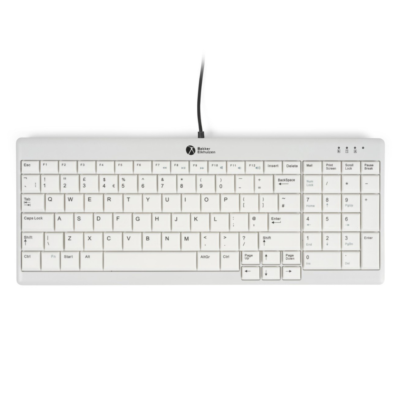
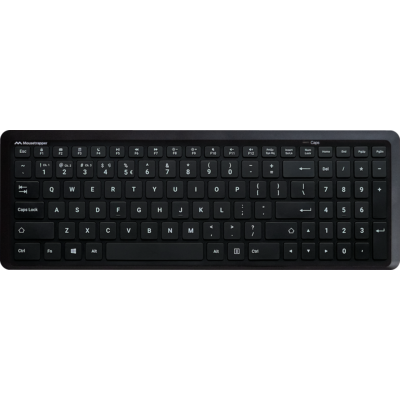
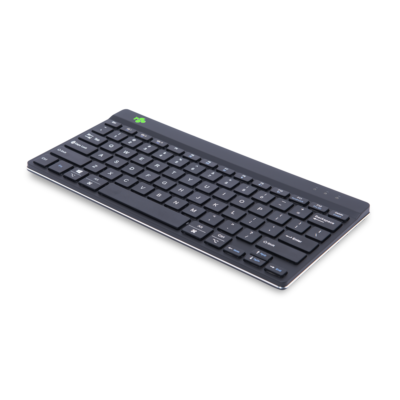
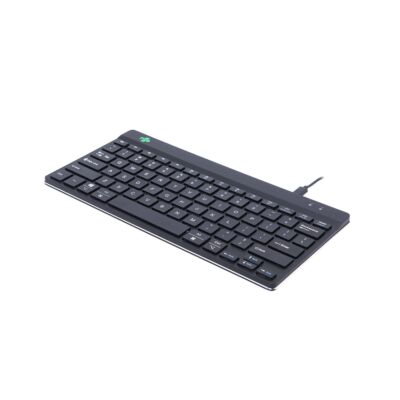
Why should you use a mini keyboard?
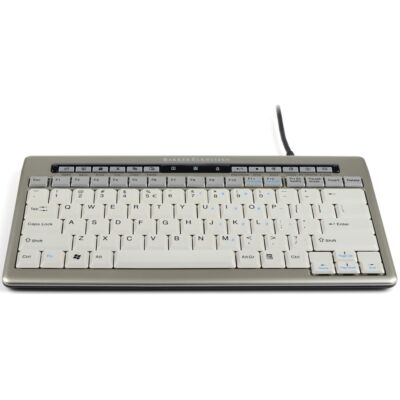
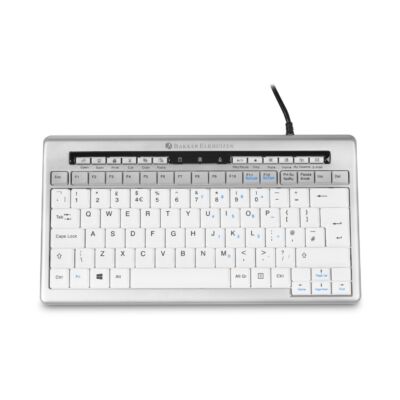
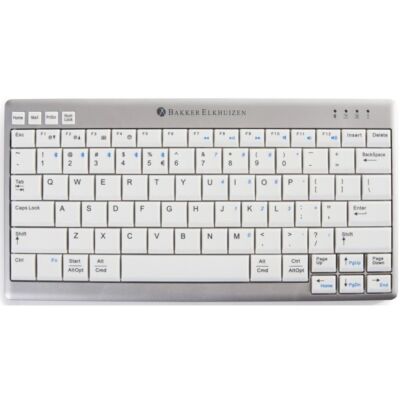
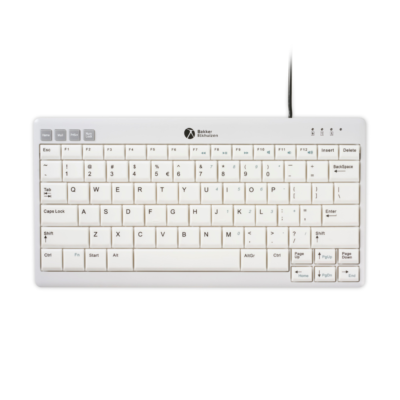
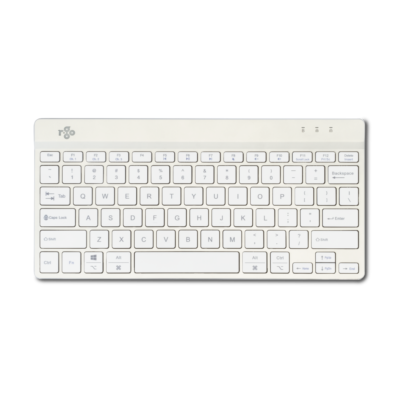
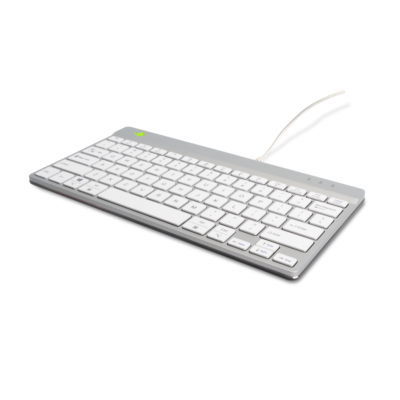
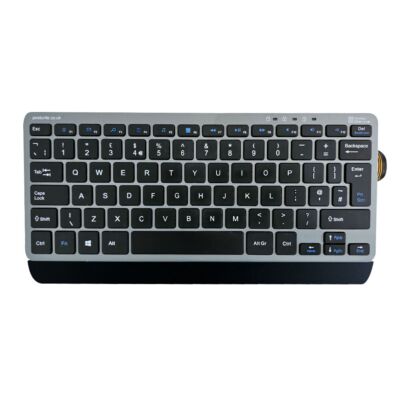
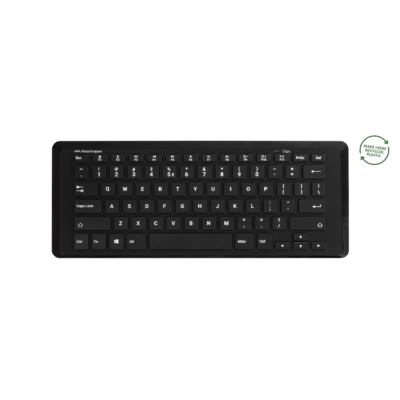
A mini keyboard is more compact than a standard keyboard, allowing you to work more within your shoulder line. This reduces strain on the neck, shoulders, and arms during screen-based work.
An ergonomic mini keyboard, combined with an ergonomic mouse, forms the foundation of a healthy and comfortable workspace. Thanks to its compact size, the distance to the mouse is reduced, allowing you to keep the mouse closer to your body and helping to prevent RSI/CANS complaints.
These small keyboards are narrower than standard keyboards because they do not include a numeric keypad. This allows you to type within your shoulder line while maintaining full functionality. Their compact design makes them ideal for flexible and mobile workspaces, and perfect for use with a sit-stand desk.
Regular computer use puts strain on the neck, shoulders, arms, and hands, increasing the risk of RSI/CANS complaints. An improperly used keyboard is a major risk factor. Standard keyboards are often too wide or not ergonomic, which can lead to muscle strain. Research shows that working within the shoulder line is physically less demanding. Therefore, an ergonomic mini keyboard is essential for screen-based work. In addition to preventing RSI complaints, a compact keyboard offers the advantage of being lightweight and space-saving, and it is easy to carry in a laptop bag—ideal for mobile and flexible workspaces.
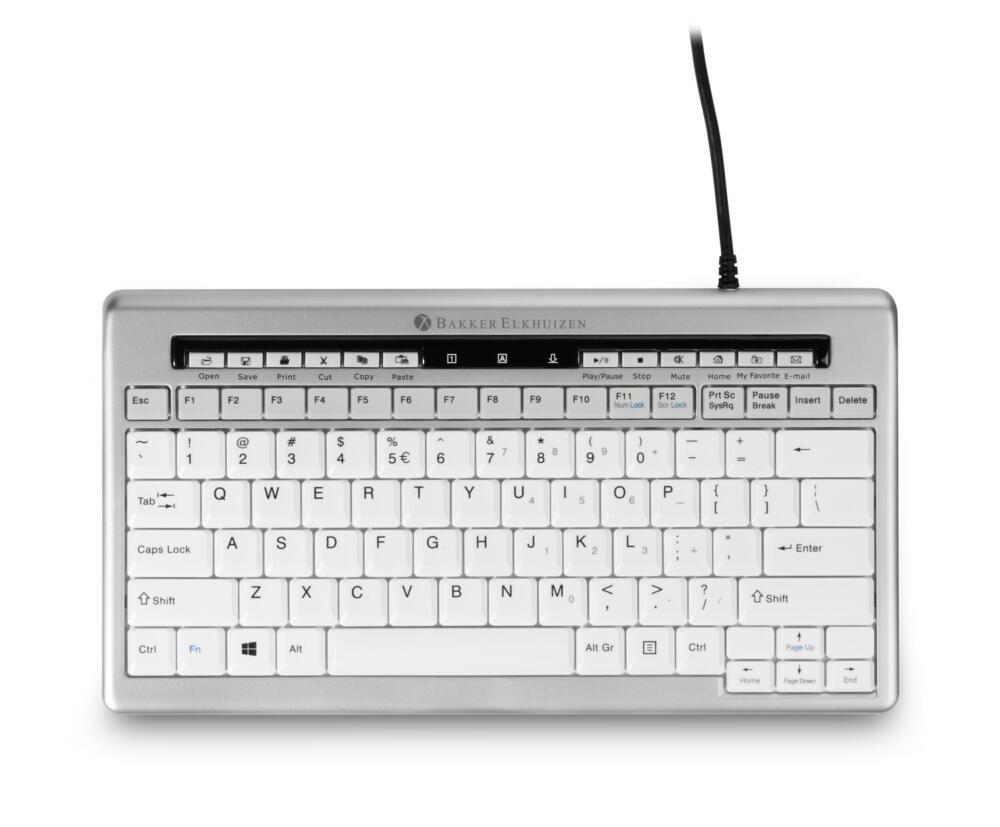
A mini keyboard offers many benefits for both home and office use:
A mini keyboard is more compact than a standard keyboard, allowing you to work more within your shoulder line. This reduces strain on the neck, shoulders, and arms during screen-based work.
It can help, as your hands and arms don’t have to reach as far outward. This reduces tension in the shoulders, forearms, and wrists during prolonged typing.
A mini keyboard is narrower, often without a numeric keypad. This allows you to keep your arms closer to your body and saves space on your desk.
Yes, many people use it daily because it types comfortably and helps promote a more ergonomic way of working, both at home and in the office.
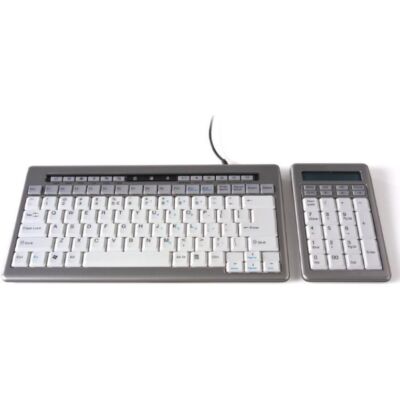
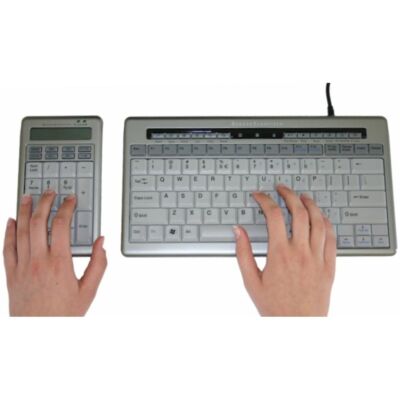
That depends on your work. For general typing and office tasks, it’s usually not an issue. If you work a lot with numbers, you can use a separate numeric keypad.
Yes, it is lightweight and compact, making it easy to carry in a laptop bag. This makes it ideal for mobile and flexible workspaces.
Place the keyboard directly in front of you and keep your elbows relaxed at your sides. Ideally, combine it with an ergonomic mouse to avoid overreaching.
Absolutely. Its smaller size keeps your desk organized and leaves more space for your mouse, notes, or other accessories.
Many users find that it does, as it reduces movement between the keyboard and mouse and creates a more compact, efficient workspace.
Pay attention to typing comfort, connection type (USB or wireless), compatibility with your device, and whether it suits your way of working. Preferably choose an ergonomic design that supports working within the shoulder line.









 ©1999 - 2026 - Ergo2Work