


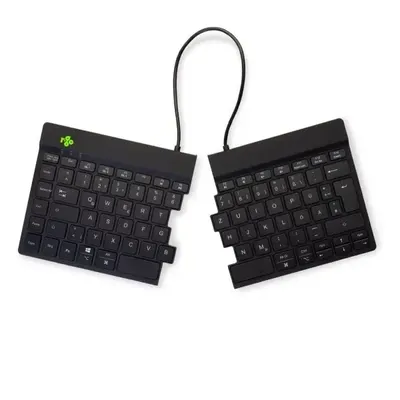
What is the difference between an ergonomic and a traditional keyboard?
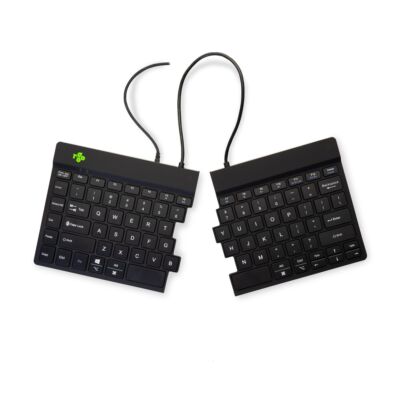
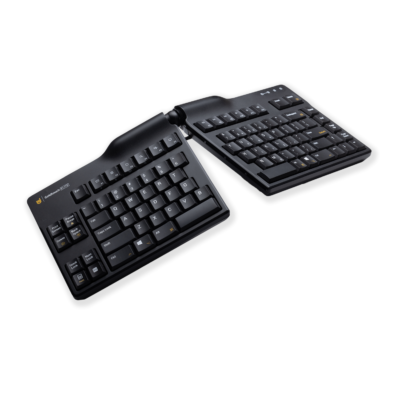
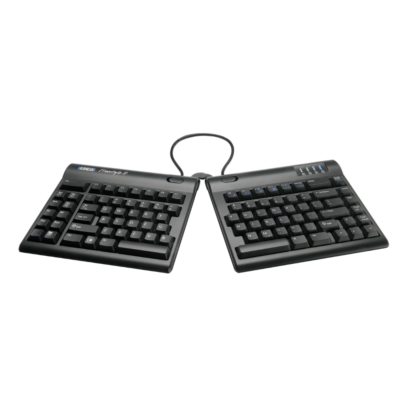
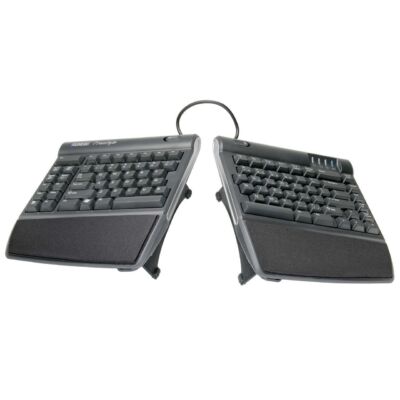
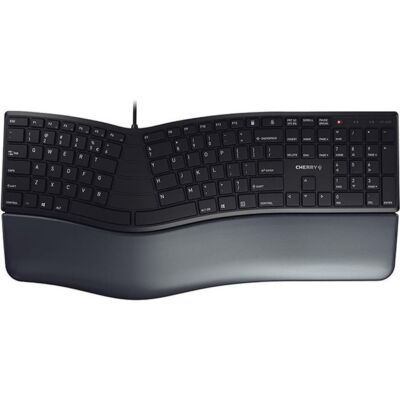
Ergonomic models are often split or curved to support a more natural posture.
When you spend long periods working at a computer and typing a lot, your arms may be forced into an unnatural position. Do you notice this increasingly affecting your joints and causing physical discomfort? You can easily improve your posture with ergonomic tools. One of the solutions in our range is the ergonomic keyboard. We are happy to inform you about the benefits of its special design, so you can discover what this solution can offer you.
Do your daily tasks largely consist of working at a computer? When using a keyboard, you tense your muscles to reach the keys. Your joints are placed in an unnatural position, which can eventually lead to unpleasant complaints such as RSI.
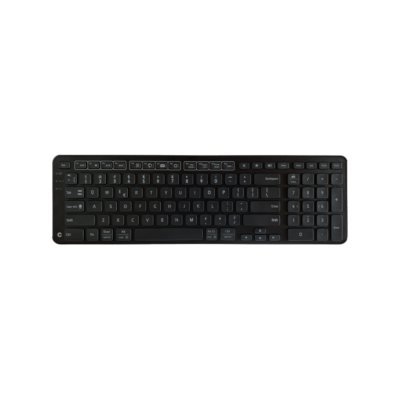
Do you increasingly notice discomfort in your wrists, hands, or fingers after a day at the computer? It can be very frustrating when the pain starts to develop. To help reduce these complaints, we recommend using an ergonomic keyboard. Thanks to its special design, you can experience a significant reduction in strain on your muscles and joints. If you want to fully optimize the position of your wrists, we would also like to point you to our ergonomic mice.
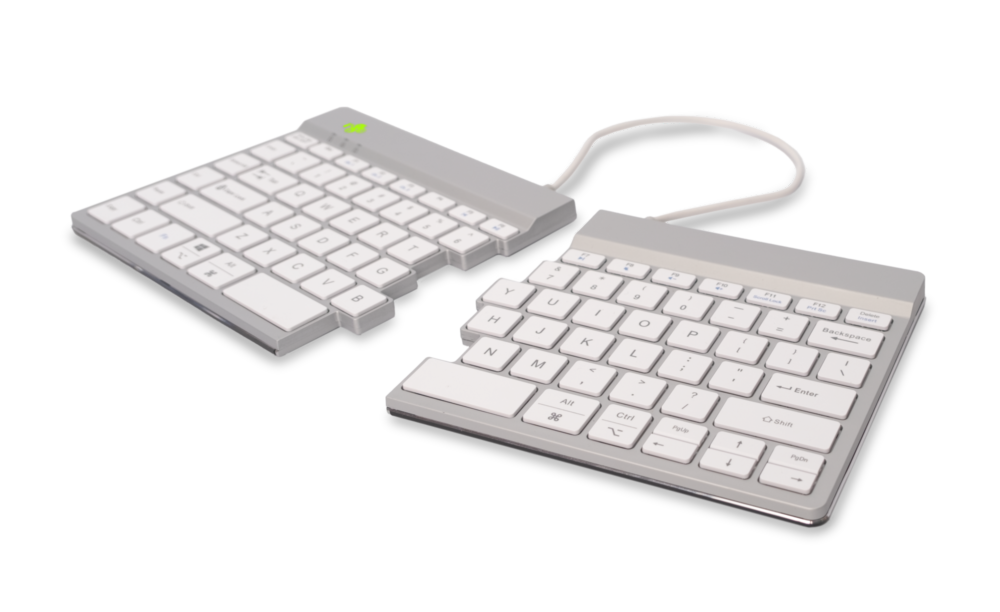
When typing with an ergonomic keyboard, you may notice that pain in your joints gradually decreases. The shape of the keyboard is designed to better match the natural position of your arms, wrists, and fingers. This means your muscles and joints need to exert less effort to reach the keys.
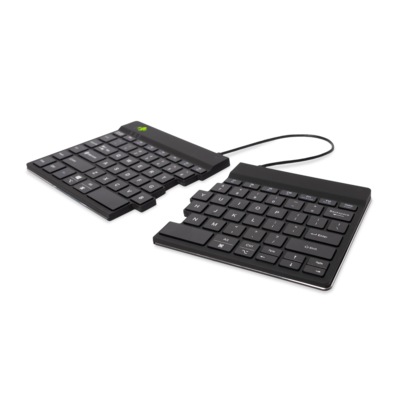
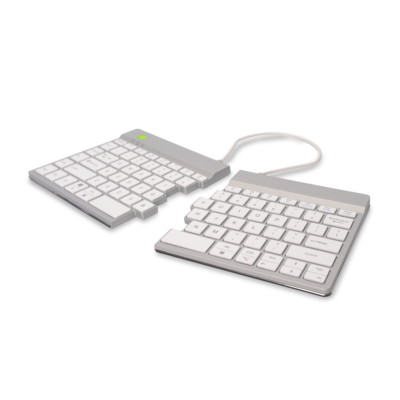
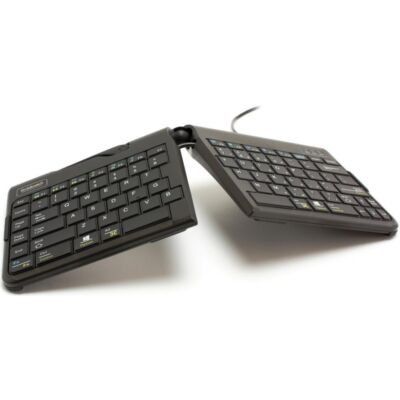
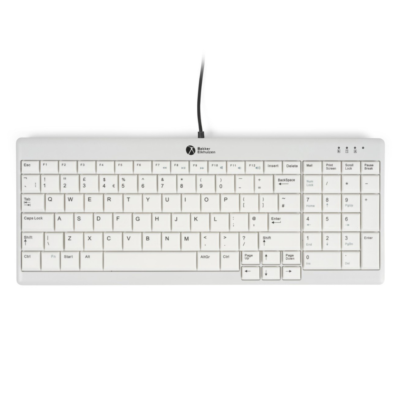
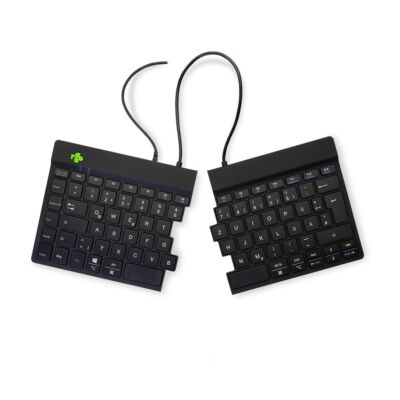
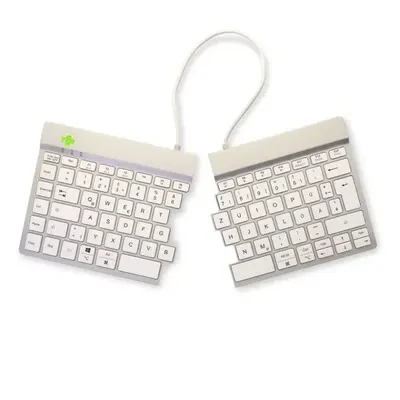
Our range also includes ergonomic keyboards that are split into two parts. In this case, you use two separate halves that you can position on your desk as desired. This prevents your wrists and arms from being forced into an unnatural posture. Finally, take a look at our range of numeric and mini keyboards. These keyboards also feature ergonomic designs that help improve your working posture at the screen.
A split keyboard is designed to support the natural position of your hands and wrists while typing. Instead of a standard rectangular layout, the keys are divided into two halves that can be positioned independently. This helps prevent your shoulders from rolling inward and your wrists from bending, reducing strain on muscles and tendons. Split keyboards are especially suitable for people who type for long periods and want to prevent or reduce complaints. Many models are compact, allowing you to keep your mouse closer to your body, which contributes to an ergonomically responsible working posture.
When choosing an ergonomic keyboard, it is important to consider your work situation and any physical complaints. Do you work on the go or have limited desk space? Then a compact model without a numeric keypad is a good choice. If you benefit from a more natural hand position, a split or curved keyboard is ideal. Other factors such as key feel, connectivity options (wired or wireless), and compatibility with your system also play a role.
Do the muscles and joints in your arms become more sensitive the longer you sit at your computer? Physical discomfort is not only unpleasant, but it can also distract you from your work. At Ergo2Work, we understand that you are looking for a solution. Browse the ergonomic keyboards in our range and place your order. Do you have questions about a product or one of our other ergonomic solutions? Feel free to contact our specialists without obligation.
Ergonomic models are often split or curved to support a more natural posture.
Yes, it reduces muscle tension in the hands and forearms.
Ergonomic keyboards are available in QWERTY, AZERTY, and QWERTZ layouts. The difference mainly lies in the characters used and the placement of certain keys. QWERTY is common in the Netherlands, the US, and many other countries; AZERTY in Belgium and France; and QWERTZ in German-speaking countries. These layouts are available in both standard and split designs.
Yes, it reduces strain on the wrists and shoulders.
Use an ergonomic mouse alongside your keyboard and ensure your screen is at eye level with a laptop stand or monitor arm. This helps keep your wrists, shoulders, and neck in a natural position.









 ©1999 - 2026 - Ergo2Work